5 Elite AI Photo Video Makers Built for High Return Business Ads
An AI photo video maker can turn product photos, portraits, and illustrations into short videos without a traditional filming setup. The challenge is finding a tool that fits the job, whether that’s animating a product shot, creating a cinematic scene, or making a talking avatar. This guide compares five options by their main features, practical uses, and limitations.
1. Pollo AI
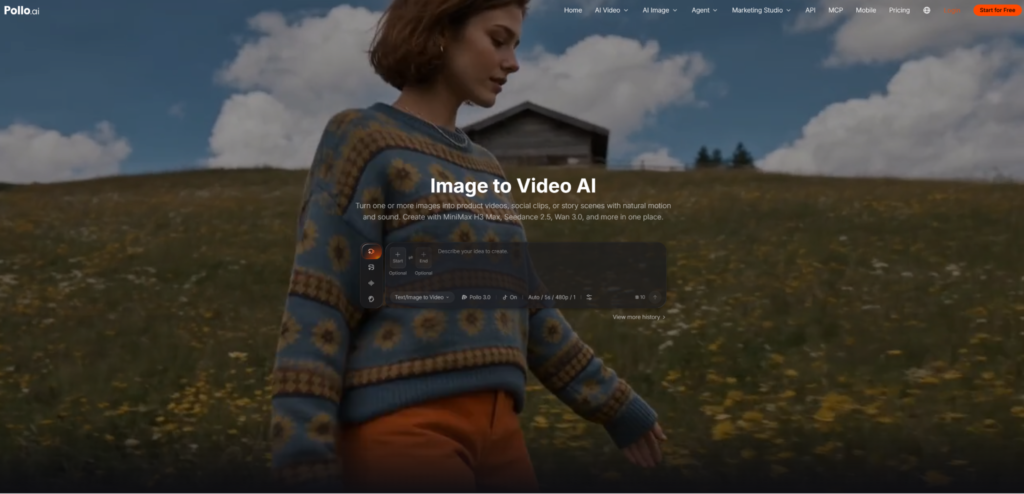
Pollo AI Photo Video Maker is an AI image-to-video tool that turns still images into animated clips using text prompts and reference images. Users can describe the movement they want and choose from different video generation models available on the platform. This makes it useful for businesses and creators who want to produce product videos, promotional clips, and Instagram videos without committing to a single generation model.
Key Features
Pollo AI Photo Video Maker animates uploaded images based on written instructions. It supports multiple visual styles, while reference images can help guide subject appearance and consistency. Users can also access different video generation models to compare results for different creative tasks.
Why Choose Pollo AI Photo Video Maker for Business Content
For an online store, the tool can turn a product photo into a short promotional clip without requiring a new shoot. Instagram creators and social media managers can use it to turn product shots, portraits, or lifestyle images into engaging Instagram videos, then experiment with different motion styles for Reels and other social posts. Small teams can also test several creative directions using existing assets before spending money on a larger production. Reference images are useful when a character or product needs to remain recognizable, although the output still needs to be checked for visual changes.
My tip: Start with one clear action, such as a slow camera push-in or a person turning toward the camera. For an Instagram video, consider how the movement will look on a phone screen, and review logos, product details, and hands before publishing.
2. Runway
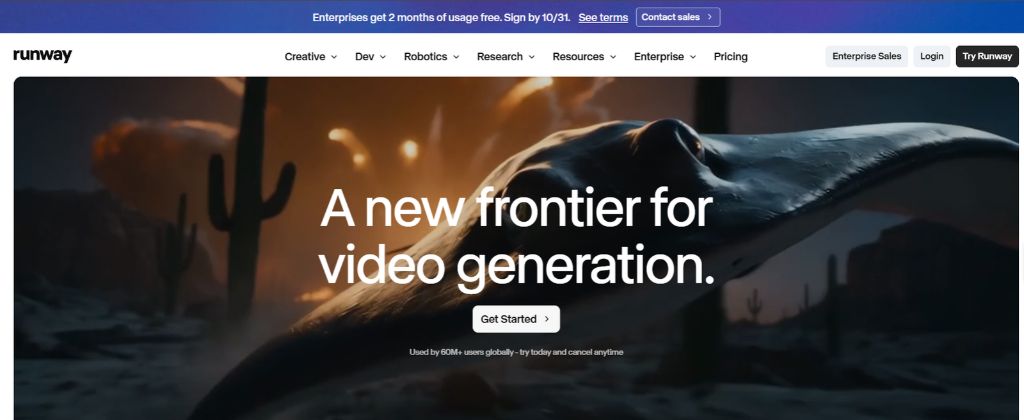
Runway is an AI video creation platform with tools for generating and editing cinematic footage. Its video generation models can animate images according to text instructions and help creators explore camera movement, lighting, and visual style. This makes it a useful option for projects where the look and feel of a shot matter as much as the subject itself.
Key Features
Runway supports image-to-video generation and prompt-based control over scene movement. Its broader video workflow includes tools for editing and refining visual content, depending on the model and feature available. These capabilities give creators room to experiment with different shots before assembling a finished video.
Why Choose Runway for Cinematic Content
A creative team developing a brand film might use Runway to test a slow camera move or create atmosphere around a product image. Filmmakers can also use generated clips to explore visual concepts before investing in more expensive production work. It is less suited to workflows that require every frame to follow exact product specifications without review, since generated details can still change.
My tip: Describe the camera movement and subject action separately. A prompt such as “slow dolly-in, product remains still, soft side lighting” gives you a clear starting point for evaluating the result.
3. Kling AI
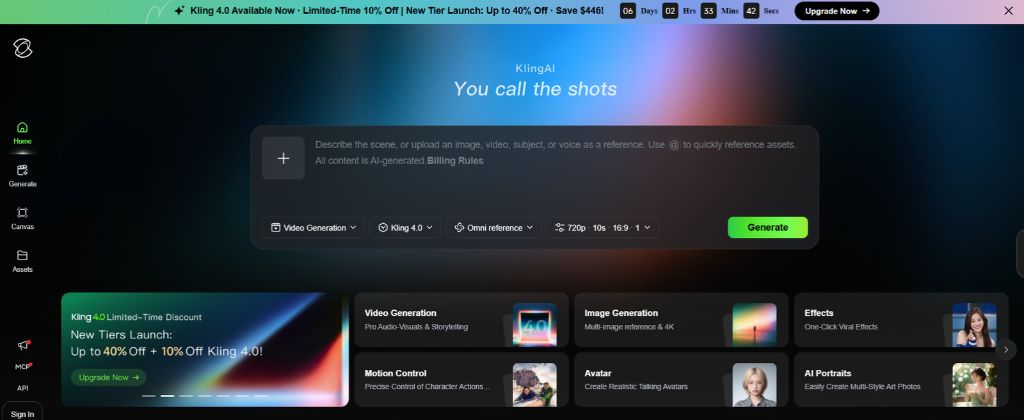
Kling AI is an AI video generation platform that creates clips from text prompts and image references. It is designed for a range of video tasks, including character animation and scenes with more involved movement. For creators working on visual stories or product campaigns, it offers another way to turn static references into moving footage.
Key Features
Kling AI supports image-to-video generation and prompt-guided motion. Depending on the model version and available features, users can explore more detailed scene instructions and different approaches to movement. Reference images can help guide the appearance of a subject, but they do not guarantee perfect consistency throughout a clip.
Why Choose Kling AI for Character and Product Animation
A creator making a short narrative video might use Kling AI to animate a character in a defined setting. An ecommerce team could also test how a product looks in a lifestyle scene before arranging a shoot. For sequences involving several actions, generating separate clips can make it easier to control the pacing and catch changes in appearance before editing.
My tip: Keep each prompt focused on one main action. If the video needs several events, generate them as separate shots and check that the subject, clothing, and setting match before combining them.
4. Luma Dream Machine
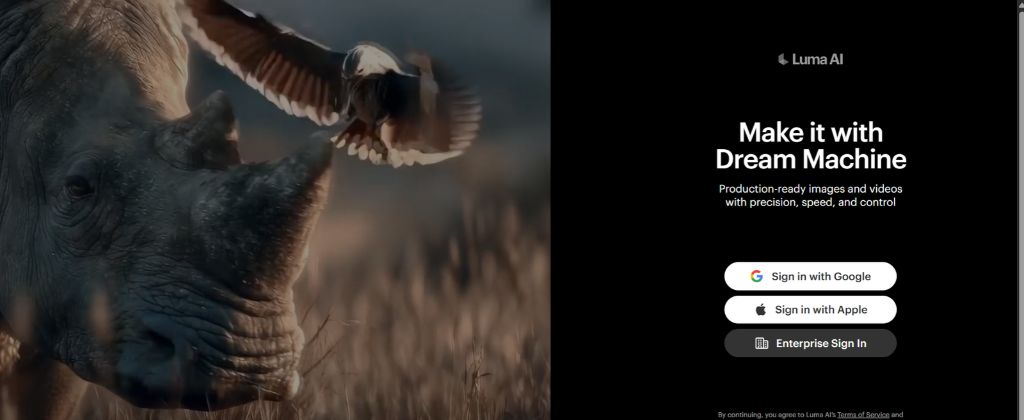
Luma Dream Machine is an AI video generation tool that turns prompts and visual references into moving scenes. It is particularly relevant to creators experimenting with camera motion, atmosphere, and scene composition. By generating footage from existing images, it can help users explore ideas without building every shot manually.
Key Features
Luma Dream Machine supports image-based video generation and prompt-directed movement. Its output can be used to explore changes in camera perspective, lighting, and scene dynamics. As with other generative tools, the accuracy of complex movement depends on the input image, prompt, and selected model.
Why Choose Luma Dream Machine for Scene Development
A designer creating a product concept presentation might use Luma to add a gradual camera move to a still render. Video creators can also use it to test landscape shots or establish a mood for a larger project. These clips can help communicate an idea quickly, but detailed geometry and object proportions may shift when the generated camera movement changes the viewpoint.
My tip: Begin with a simple pan or zoom before trying a complex orbit. Check object edges and proportions carefully if the footage will be used to represent a real product or building.
5. HeyGen
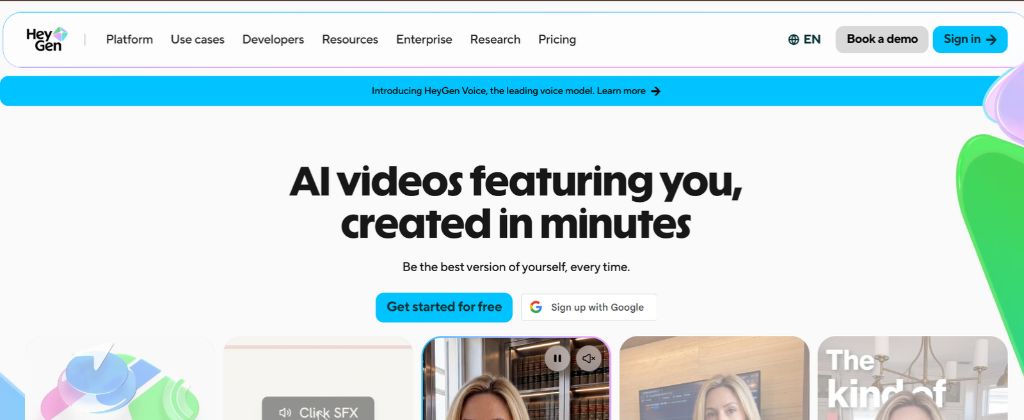
HeyGen is an AI video platform focused on avatar-led communication. It lets users create presenter-style videos using AI avatars or supported portrait-based workflows, along with scripts and voice options. This makes it useful for businesses that need to explain products, deliver training, or adapt messages for different audiences without filming a presenter for every version.
Key Features
HeyGen provides AI avatars, script-based video creation, and voice options. Its available workflows also include video translation and localization features, which can help teams prepare versions of content for different markets. The platform is designed around spoken communication rather than cinematic animation of objects and environments.
Why Choose HeyGen for Business Communication
A small business could use HeyGen to create a product walkthrough, while an HR team might use it for onboarding videos. Marketing teams serving multiple regions can also use supported translation workflows to prepare localized versions of the same message. This approach can reduce repeated recording work, although pronunciation, lip-sync, and translated wording should still be reviewed before publication.
My tip: Use a clear portrait with the face facing forward and minimal obstruction. Check pronunciation, mouth movements, and timing, especially when the video includes product names or technical terms.
Final Verdict
The right AI photo video maker depends on what you’re creating. Runway, Kling AI, and Luma Dream Machine are worth exploring for different types of cinematic shots and scene animation, while HeyGen is better suited to presenter-led videos. If you want to turn product photos, portraits, or other images into videos and compare different generation models in one place, Pollo AI Photo Video Maker is worth trying. Start with an image from your actual workflow, test a few prompts, and check how well the results preserve important details before choosing a tool for regular production.