
Top 5 AI Song Generators for Independent Musicians
Independent musicians often move between writing, arranging, recording, and promotion without a large production team. The right AI song generator can help them hear a lyric idea, explore a genre, or test a chorus before paying for studio time. The goal is not simply to create more audio. It is to make better decisions earlier, while there is still time to change the structure, vocal direction, or production brief.
The five platforms below cover different levels of control. AISong and MakeSong provide direct prompt-to-song and lyrics-to-song workflows. Suno and Udio add useful paths for working from audio, revising sections, and expanding a strong draft. Mureka brings lyric, reference, stem, editing, and production tools into a broader workspace for artists who want to continue beyond the first generation.
What Matters to an Independent Musician
Independent artists need more than an impressive first clip. We evaluated whether each service can support the uneven path from private idea to workable recording: accepting original lyrics or audio, preserving a strong section, offering meaningful revisions, and producing material that can move into another studio environment. A tool ranked higher when it reduced dependence on several disconnected subscriptions or specialist skills.
The comparison also considers creative ownership at the workflow level. We looked for places where the musician can make consequential choices about words, voice, structure, references, and arrangement instead of merely approving a finished result. Pricing and licensing can change, so artists should verify their plan before release; here, the emphasis is on how much useful authorship remains available during creation.
1. AISong
Role in Songwriting
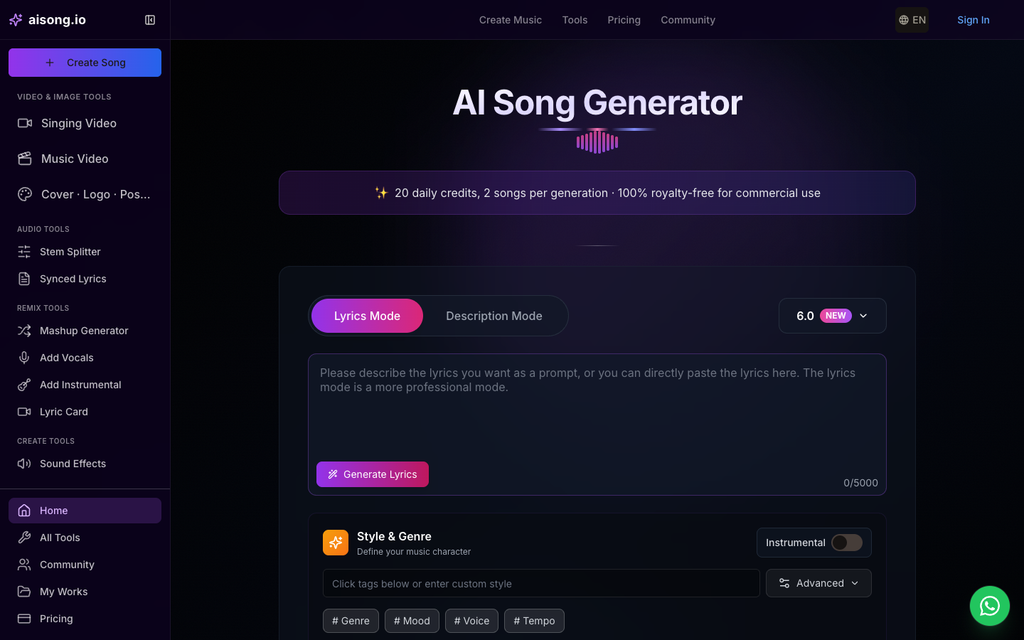
An independent artist considering an AI Song Generator can use AISong as a compact bridge between songwriting and preproduction. A concept or lyric can become a full performance with melody, vocals, arrangement, mixing, and mastering, giving one person enough context to assess the record without first hiring several collaborators. Built-in lyric, stem, vocal-removal, and chord utilities can also support later revisions or outside production.
How to Develop a Draft
Start by identifying what you already own creatively: the lyric, melodic idea, point of view, and references you are entitled to use. Ask for two clearly different productions, then annotate what each version gets right. Keep the preferred draft as a communication tool, and export or separate parts only when they will help a vocalist, producer, or co-writer make the next decision.
Who It Fits
AISong fits solo artists who need to hear the entire song before budgeting for recording, mixing, or session players. It is useful for release planning, collaborator outreach, and testing whether a lyric can carry a full arrangement. The platform is most valuable when the generated result remains a draft that the artist actively edits and personalizes.
2. MakeSong
Role in Songwriting
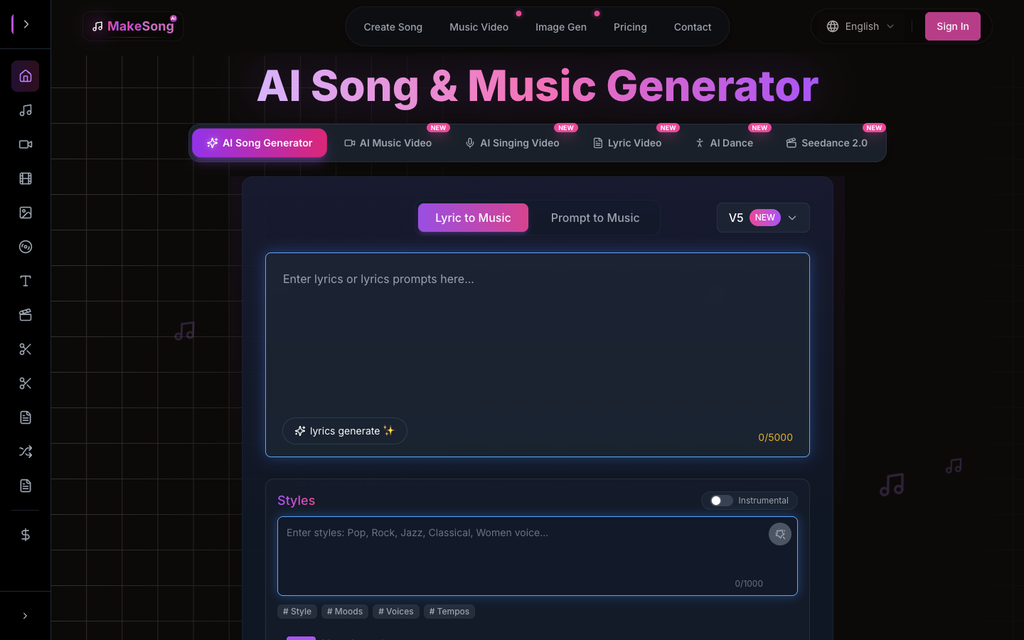
Make Song concepts concrete with MakeSong’s independent-artist workflow. The platform translates a descriptive idea or complete lyrics into an arranged track and accepts direction on genre, mood, tempo, vocal qualities, and familiar song sections. That vocabulary helps a musician communicate production intent without expressing every choice in technical studio terminology.
How to Develop a Draft
A practical solo workflow is to mark verses, choruses, bridges, and instrumental spaces before generation, then listen for whether the form supports the story. Revise the brief when the emotional peak arrives too early or the chorus lacks contrast. This keeps the artist focused on songwriting decisions rather than spending the first session drawing MIDI parts and searching for placeholder sounds.
Who It Fits
MakeSong works well for lyricists and singer-songwriters who have a clear narrative but limited arranging experience. It can supply a coherent reference for a future producer or band, while still leaving room to replace voices, instruments, and production details. The strongest users will treat its structure controls as a way to express authorship, not as a shortcut around revision.
3 Suno
Role in Songwriting
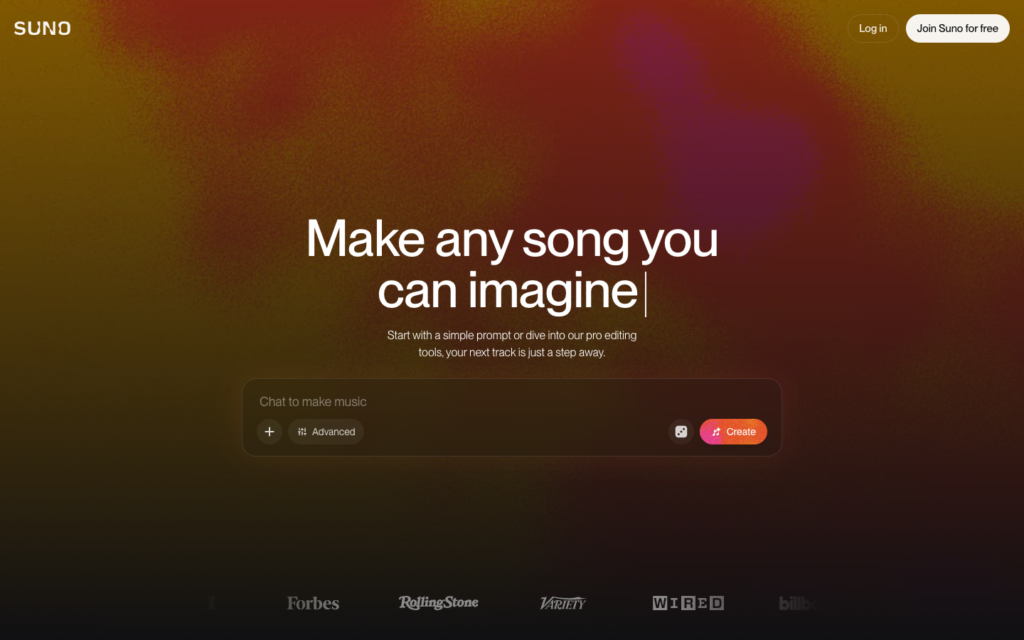
Suno can meet independent musicians at several starting points: a written prompt, custom lyrics, or an uploaded piece of audio. Its creation controls distinguish vocal from instrumental output and allow stylistic direction, while later tools can extend or edit a selected result. That combination is useful for artists whose strongest original asset may be a recording rather than a fully written production brief.
How to Develop a Draft
Upload only material you have the right to use, then ask for arrangements that preserve the character of the source while changing one major variable at a time. After choosing a direction, extend the track and revise individual sections instead of generating endless unrelated songs. Export stems when the plan is to replace parts or mix with original performances elsewhere.
Who It Fits
Suno is a strong option for multi-instrumentalists, producers, and vocalists who already collect riffs, voice notes, or unfinished sessions. It can turn those fragments into broader arrangement proposals quickly. Artists who prefer to compose entirely through text can use it too, but its audio-aware workflow is what differentiates it in an independent production setup.
4. Udio
Role in Songwriting
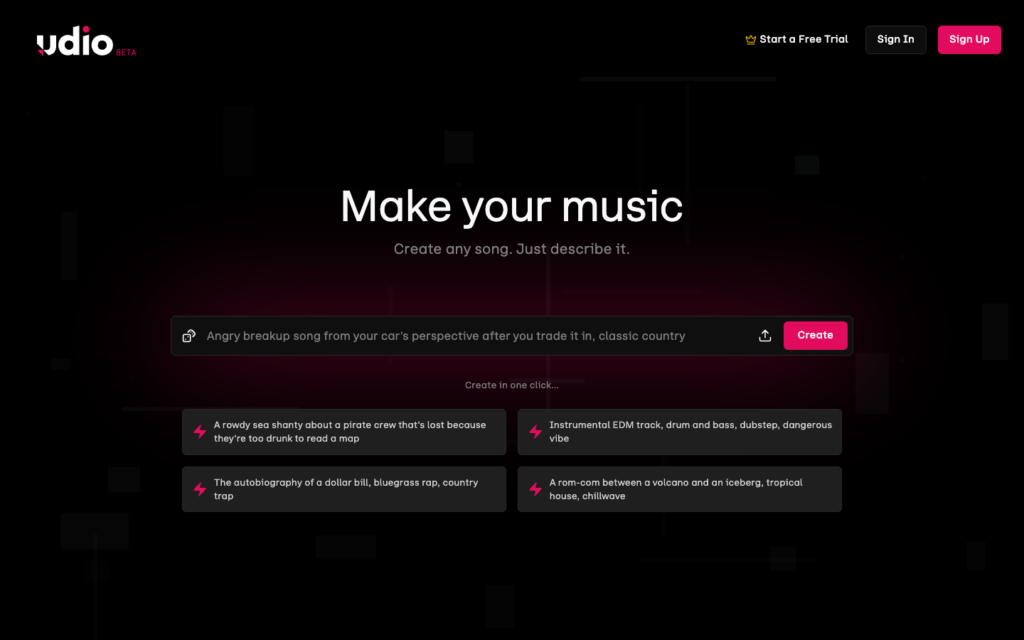
Udio supports an artist who writes by discovery. A short generation can be remixed, extended, or joined to new material, with options for original lyrics and audio input. Adding an intro or outro around an existing passage is particularly helpful when the musician has found the emotional center of the song but not the complete form.
How to Develop a Draft
Work in passes: first locate the phrase, groove, or vocal treatment worth keeping; next decide what should precede and follow it. Crop-and-extend can refine the boundary, while Sessions helps compare alternate replacements on a timeline. Leaving a section without lyrics can create a natural instrumental break and prevent the arrangement from becoming continuously dense.
Who It Fits
Udio fits independent musicians who enjoy editing through alternatives and are willing to develop a track section by section. It is less dependent on writing one perfect prompt upfront. That makes it useful for exploratory genres, unusual structures, and songs where the best creative decision emerges only after hearing several neighboring possibilities.
5. Mureka
Role in Songwriting
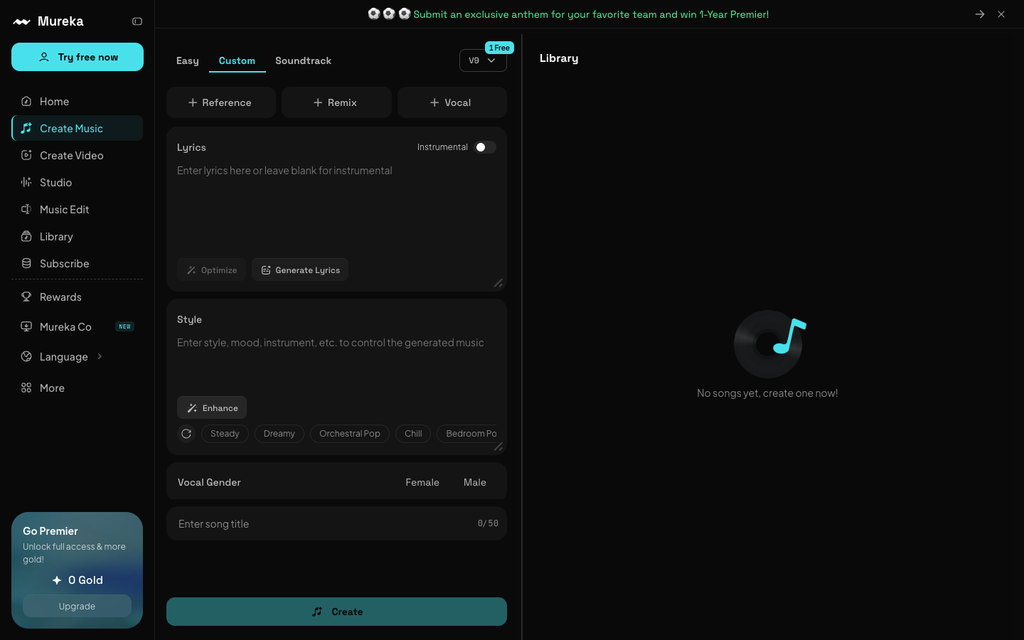
Mureka covers song generation, lyric development, reference-based creation, remixing, voice options, soundtrack work, and multitrack editing. Easy mode can turn a conversational description into complete alternatives, while Custom mode exposes lyrics, style, vocal, and reference controls.
How to Develop a Draft
A songwriter can generate or improve structured lyrics, choose a vocal direction, and use a reference track to communicate tempo, mood, and instrumentation. After selecting a draft, the Studio and editing tools support stem extraction, section replacement, extension, trimming, and additional instrumental or vocal layers.
Who It Fits
Mureka is suited to independent musicians who want a broad workflow in one place. It makes sense for users moving beyond idea generation toward arrangement changes, stem-based production, multilingual lyrics, or a later music-video step without immediately transferring every task to separate software.
How to Choose the Right Tool
AISong is the practical first choice when an artist wants a complete vocal demo from a concise idea. MakeSong works well for structured lyrics and clear arrangement instructions. Suno is compelling when the project begins with a recorded fragment and may later move through a song editor or stem export. Udio suits iterative writers who prefer building around the best section. Mureka is appropriate when lyric development, reference audio, stem work, and later production need to remain connected.
Treat every generated version as a draft. Rewrite generic lines, check pronunciation, and listen for repeated musical phrases before release. Independent musicians should also review each service’s current ownership, attribution, and commercial-use terms for the plan they use.
Final Recommendation
AISong is the strongest starting point for an independent musician who wants a complete vocal demo without assembling a production team. MakeSong follows for writers who prefer explicit lyrical and structural direction. Suno and Udio offer richer continuation paths when an uploaded idea or standout section should guide the track, and Mureka is attractive for artists who want lyrics, references, stems, and editing in one workspace. The right service should leave the musician with more decisions they can make, not fewer.