Have a Jobma pre-recorded video interview coming up? Follow our step-by-step guide to help you prepare and navigate the process smoothly.
First things first, you can complete your Jobma pre-recorded video interview from anywhere, using your desktop. For the full device requirements, see Device Requirements & Settings.
Let's dive into the steps:
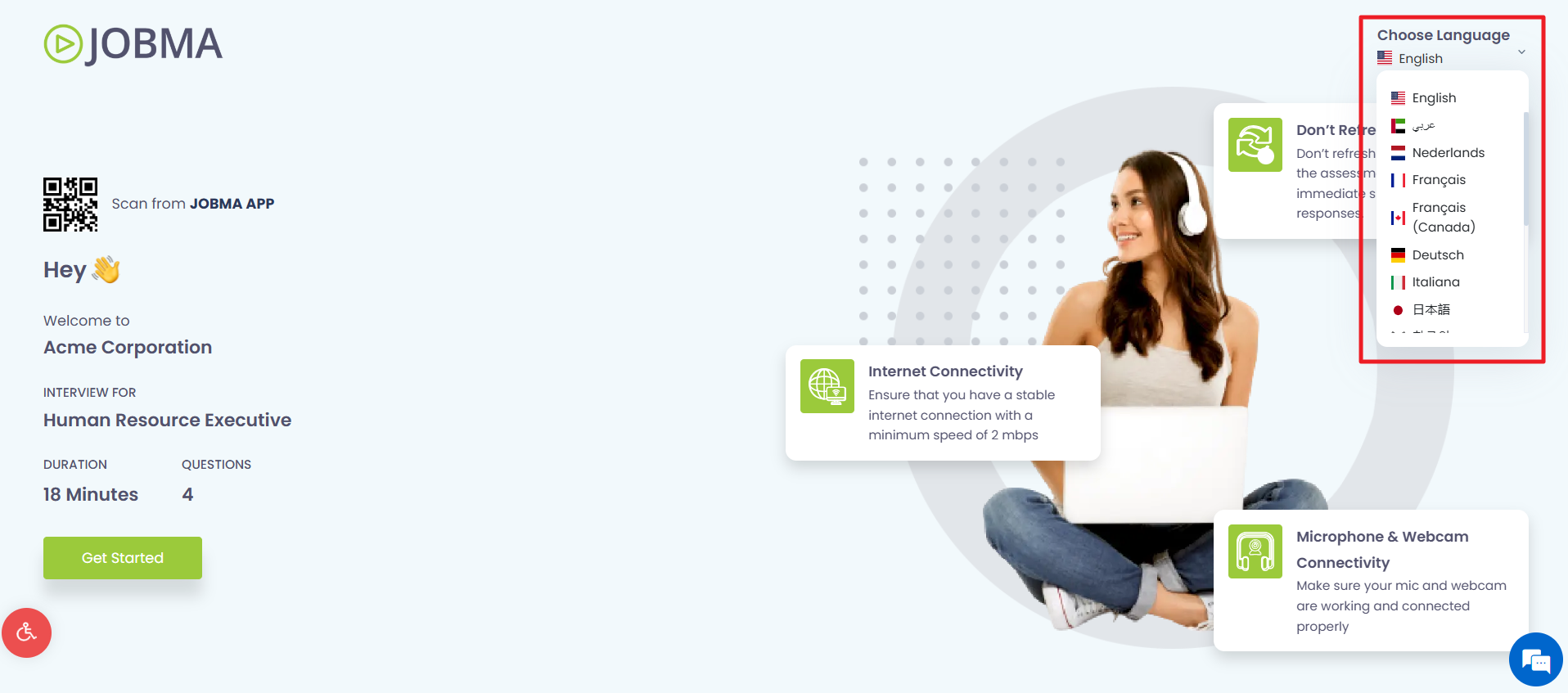
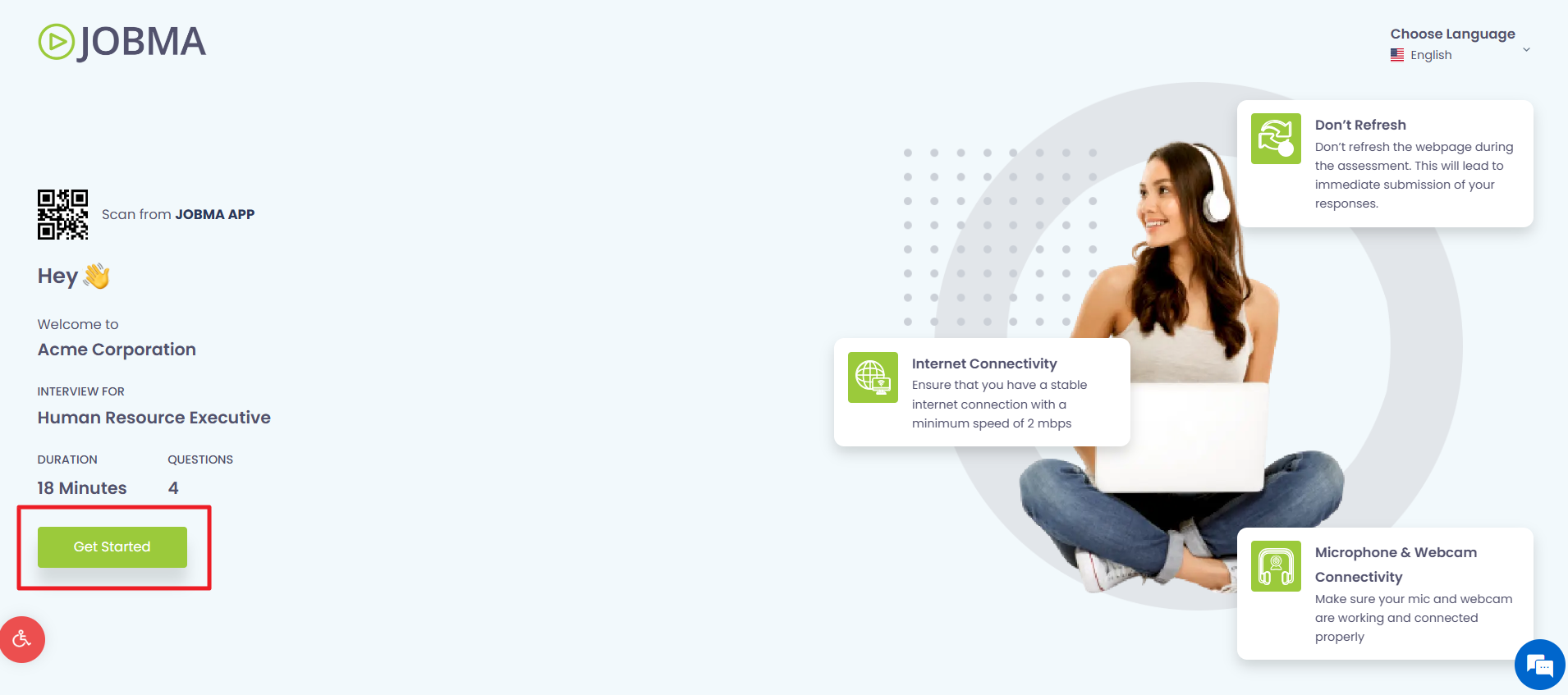
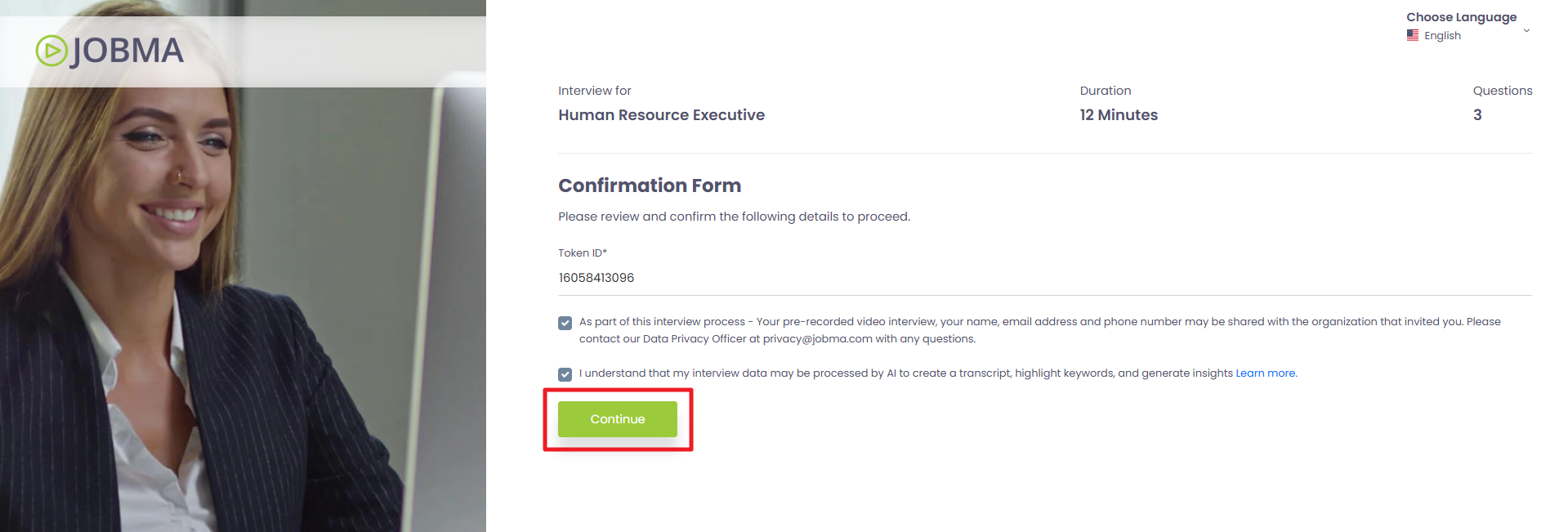
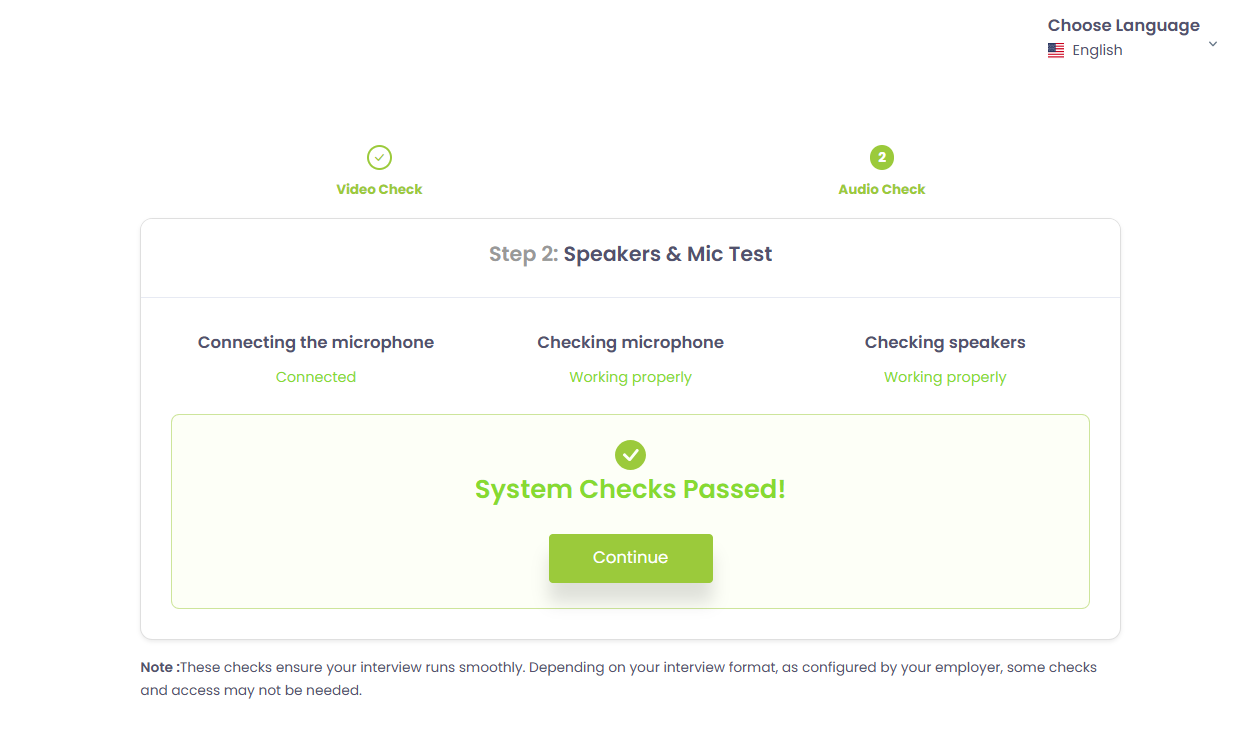
When prompted, allow full access to your camera and microphone.
Once the system check is complete, click Continue.
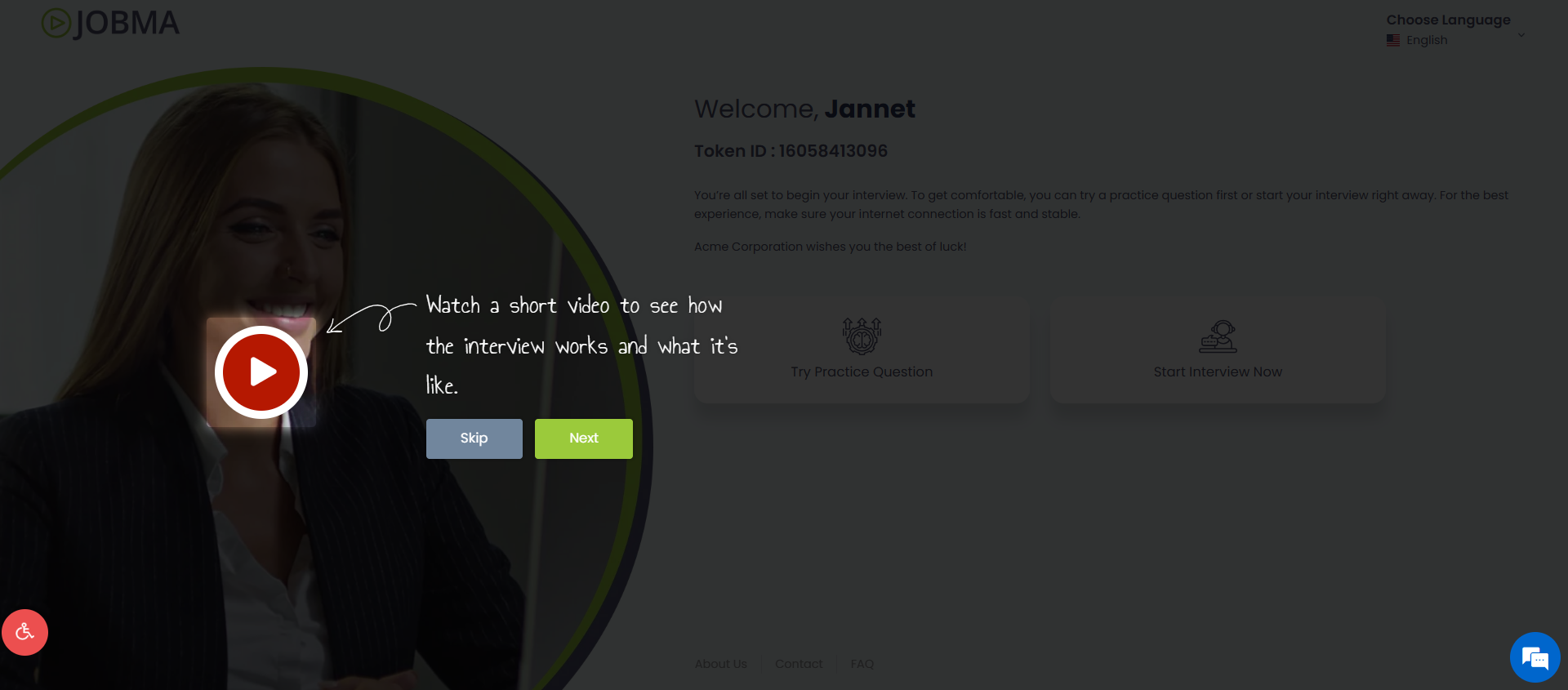
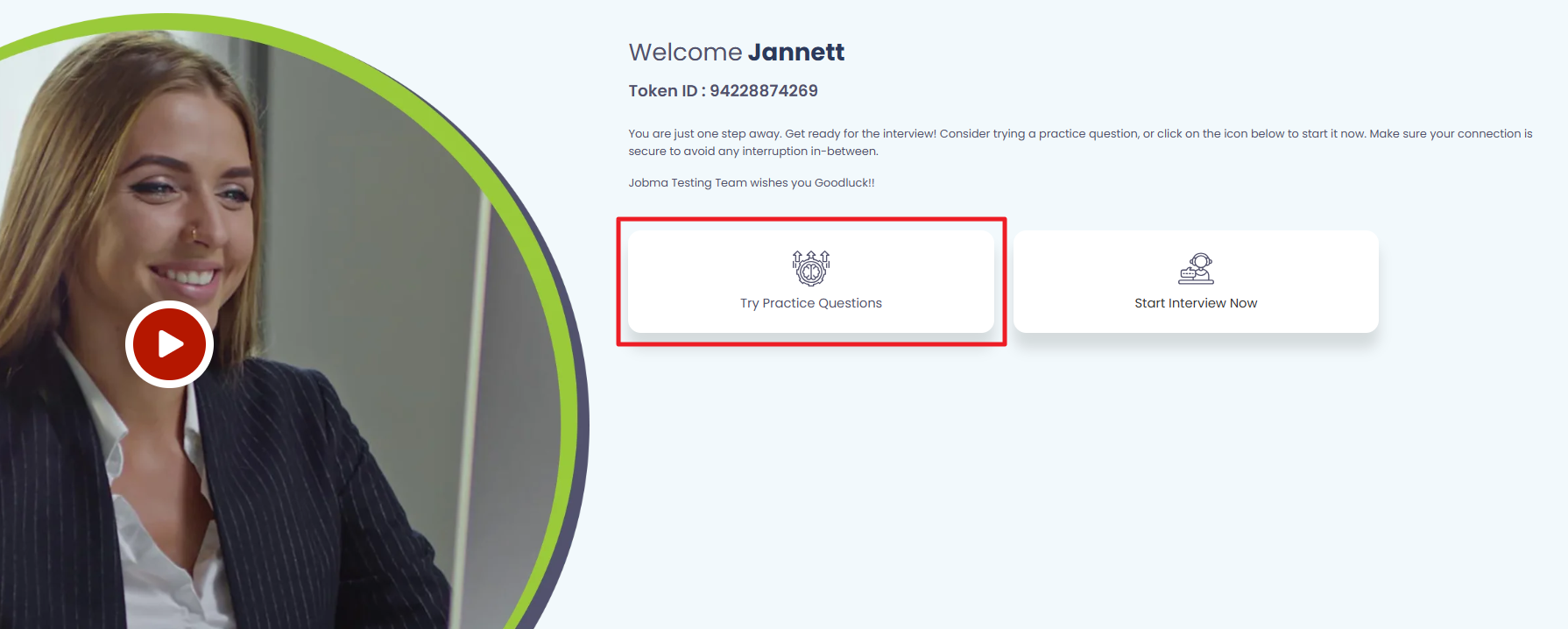
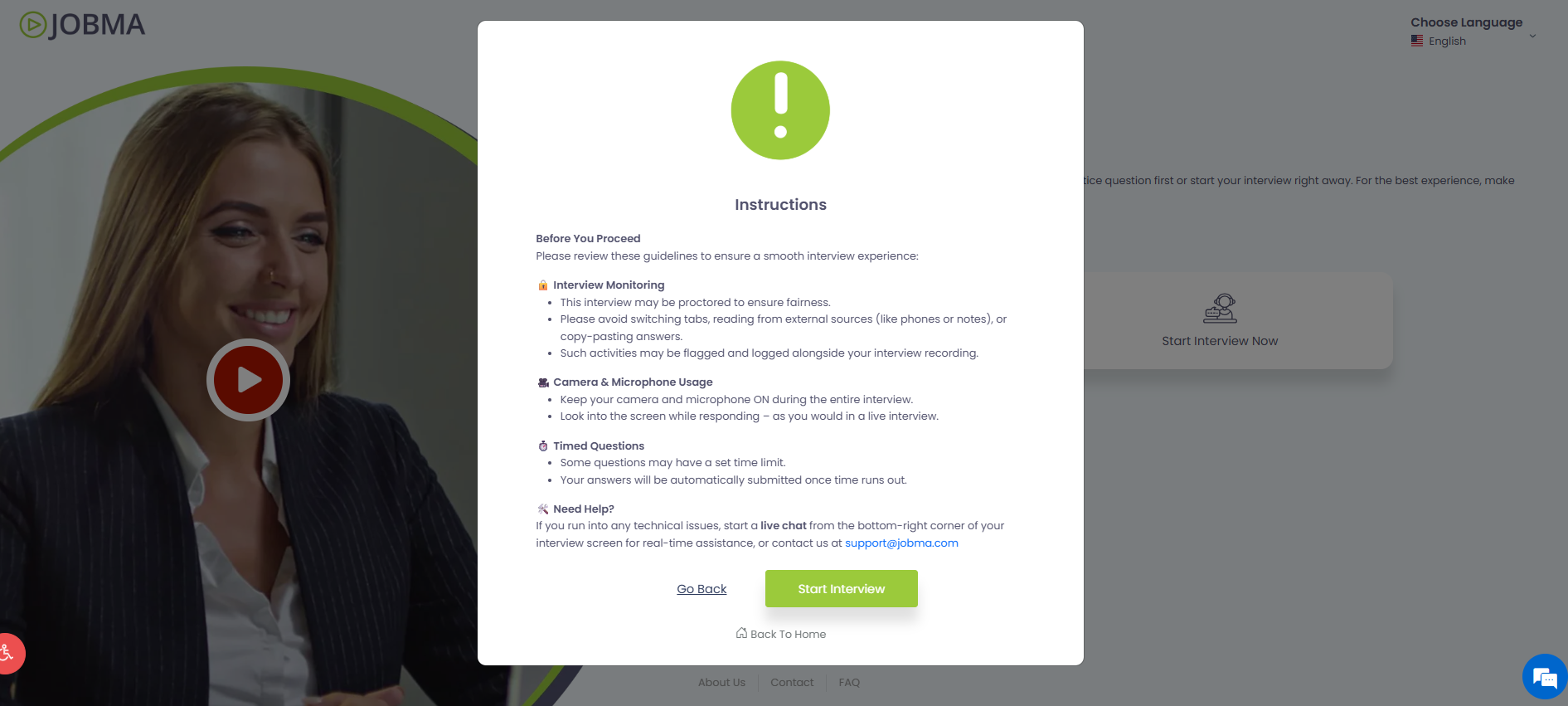
When you're ready, click Start Interview. The instructions window gives you the quick guidelines on timed questions, actions to avoid for uninterrupted flow, and camera & mic usage.
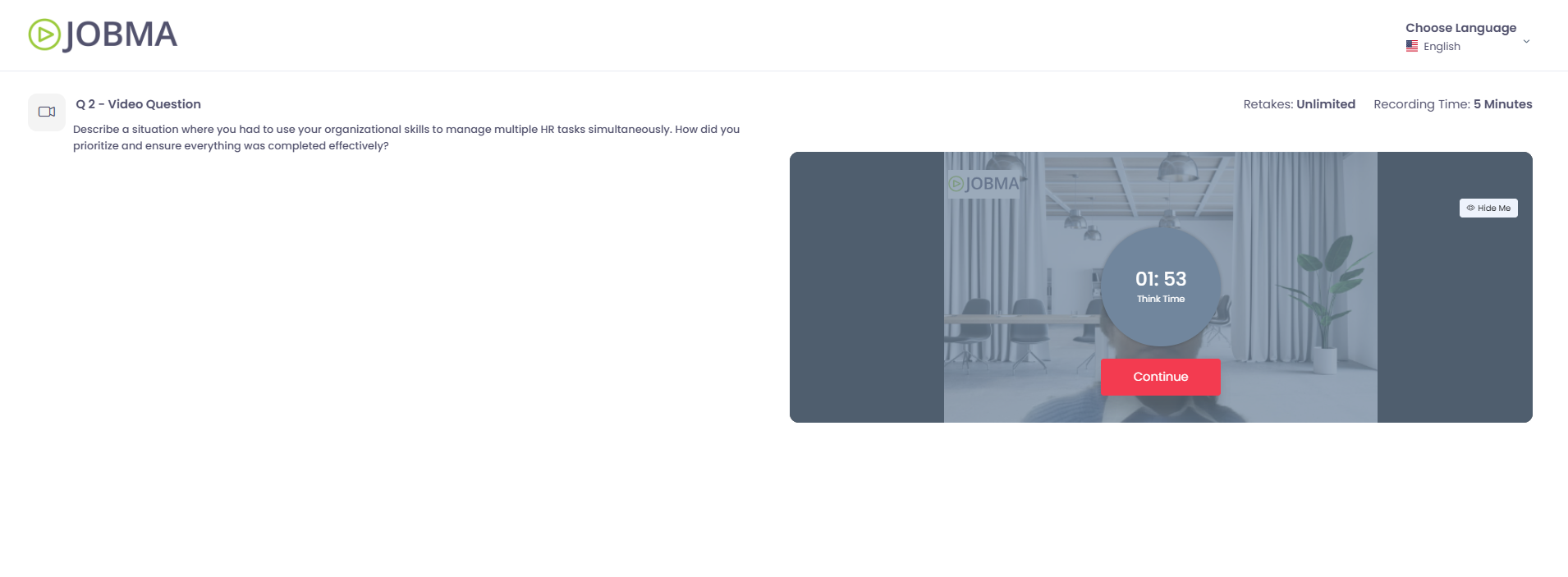
Each question has its own time limit and retake limit. Complete and submit your response within the given time frame. Remember to look into the camera, not the screen.
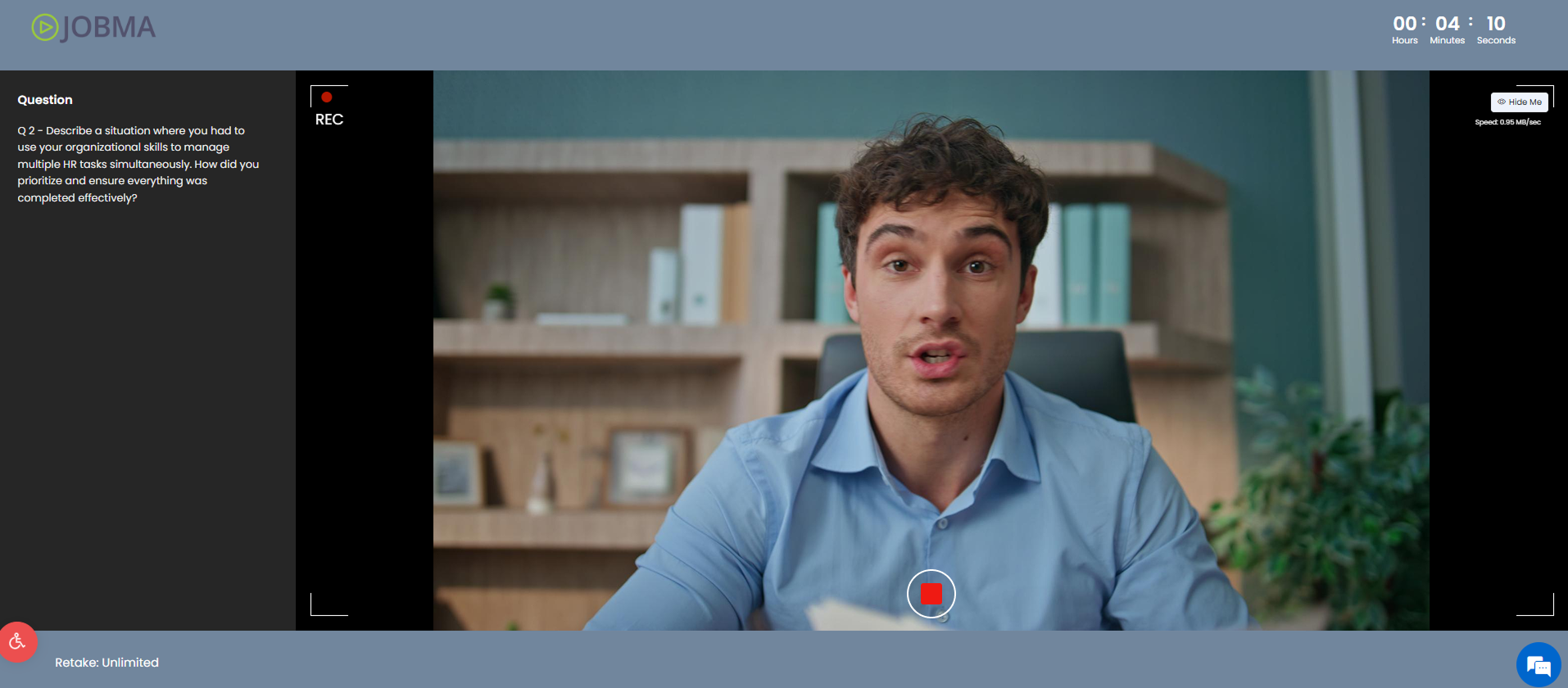
When answering questions, you can:
- Start and stop recording the question by clicking the record button

- Click Retake to discard your response and re-record the answer.
- Click Submit to submit a response.
Continue recording your responses with confidence until all the questions have been answered.
If you run into any technical issues, start a live chat from the bottom-right corner of your interview screen  for real-time assistance, or contact us at support@jobma.com.
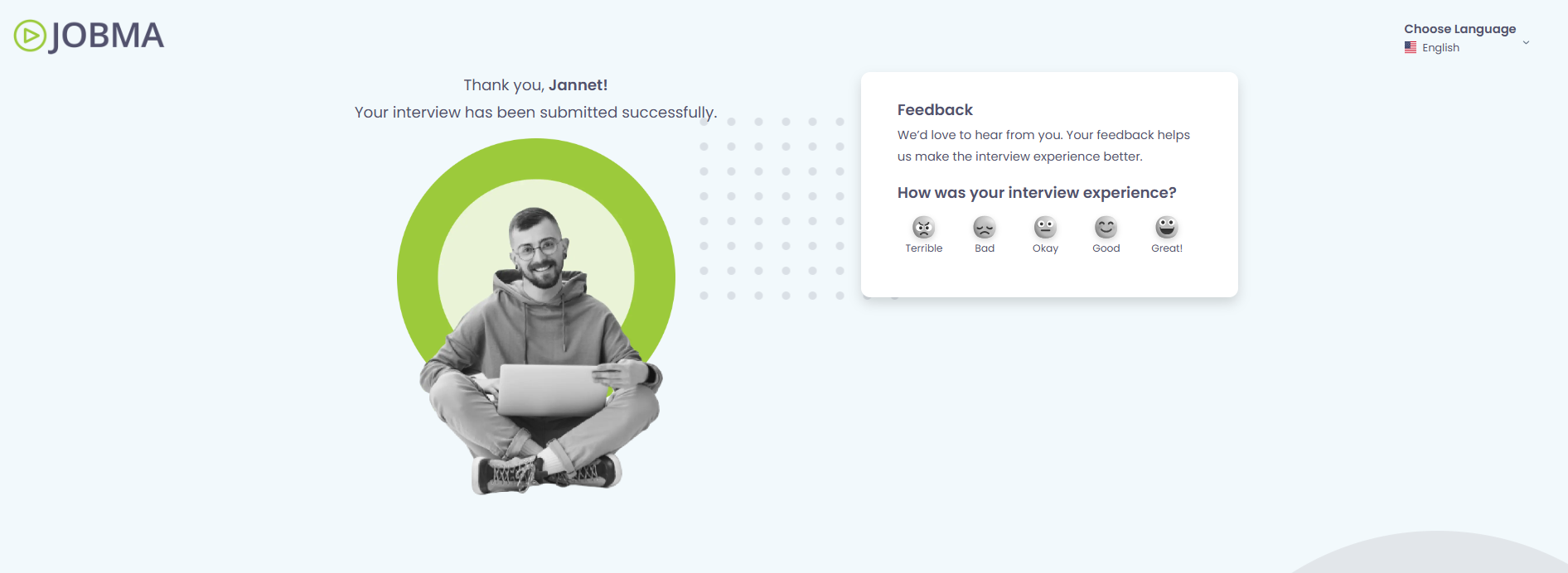
After you've submitted the interview, take a moment to rate your interview experience with Jobma.
Please note that Jobma is the video interviewing platform that your employer uses to conduct your interview. We're not involved in the hiring decision-making process. For updates on your application, please contact the hiring company directly.
Explore our Help Center for the most frequently asked questions by candidates and Jobma interview best practices.
All the best for your interview - you've got this!